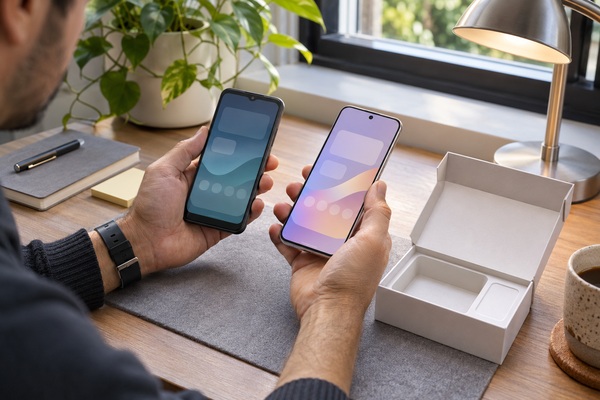
A new phone can have your photographs and contacts while still missing something you need at the next sign-in: the verification code from an authenticator app. Before sealing an old phone into a trade-in box, make account access its own part of the handover.
For Google Authenticator, the first question is whether the codes are saved to a Google Account or only on the device. Google’s current instructions describe both account synchronization and a manual transfer option. Installing the app is only the beginning; check which situation applies to your setup.
Keep both phones until you have checked
If your codes are synced, signing into the same Google Account within Authenticator on the new phone brings them across. If you use the app without an account, the manual route uses the old phone to export selected codes and the new phone to import them by scanning a QR code. Follow Google’s current on-screen instructions for your device.
Do this in a private setting. Treat the transfer QR code as account-access information, not a picture to send to a helper. Keep it out of screenshots, shared photo albums and messages. Make a list of the services you need to check without writing down their secret codes.
Verify access before erasing anything
Try a normal sign-in to an important service using the new phone. Then work through the other accounts you rely on. An app full of familiar account names is reassuring, but an actual successful sign-in answers the practical question.
Google’s two-step verification guidance also explains backup options. Review the recovery methods available for each account while you still have access. A work account may have organization-specific instructions, so include your IT team before changing its authentication setup.
Do not tidy up by deleting individual synced codes from the old phone: Google says that deletes them from other synced devices too. Once the transfer is verified, follow the phone maker’s separate preparation and erasure instructions for a sale or trade-in.
Other authenticator apps have their own migration procedures. If a code does not work or an account is missing, pause the handover and use that service’s official recovery help. A phone discount is not a reason to rush the part that keeps you signed in.
